en
en

What does “No geolocation data available” mean?
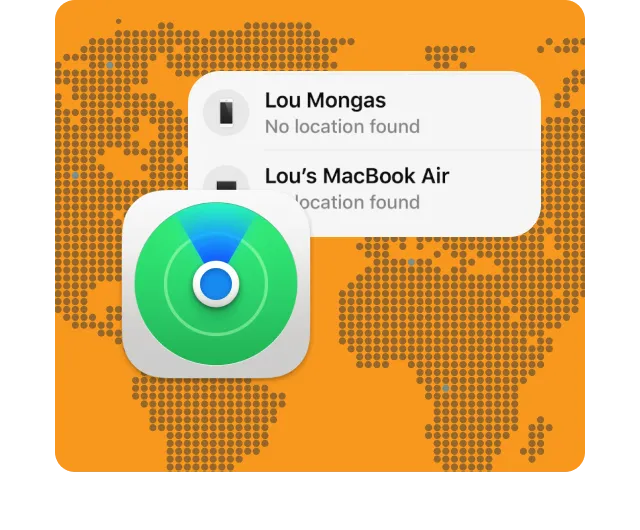
The message “No geolocation data available” appears when the device cannot determine or transmit its current location. This most often occurs in the Find My app when you try to track your own or someone else’s device.
It is important not to confuse this message with a similar one “Location Not Available” .
The difference is subtle but important:
- “No location data” means that the device cannot determine its location at all.
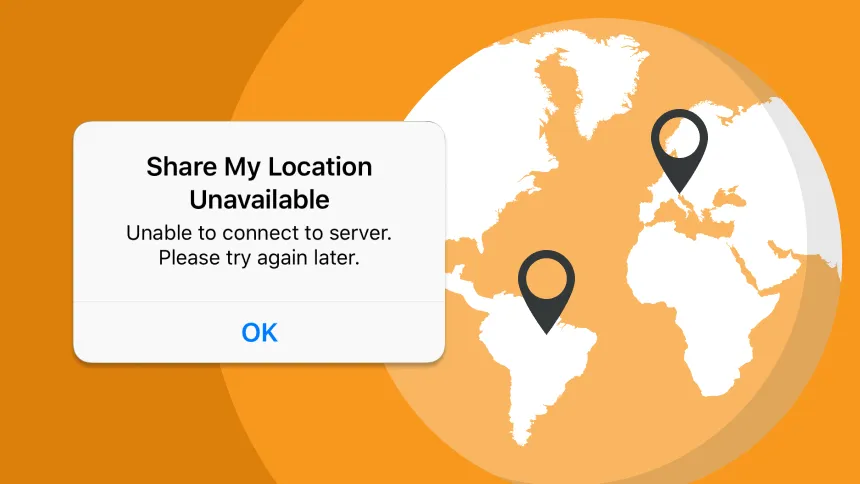
- “Location not available” means that the device can determine its location but for some reason cannot transmit it (for example, you do not have access to this contact).
The message No Location Found indicates that the tracked device is not sending its location to the Apple system. There are many different things that can cause this — from just turning off the phone to your privacy settings.
Reasons for the message to show
Let’s go through individual points on why you might see “No geolocation data”.
1. The device is turned off or out of power.
If your iPhone or iPad is turned off or completely discharged, it cannot determine its location and send it. In this case, Locator shows that there is no connection.
2. Geolocation is disabled.
The user could manually disable geodata transmission in the settings. Without permission to access geolocation, the device will not transmit coordinates even with a good signal.
3. No signal or internet connection
If the device is in an area without Wi-Fi or mobile coverage, it will not be able to transmit its coordinates.
4. Airplane mode
When airplane mode is enabled, all wireless connections are disabled, including GPS and mobile data. In this state, the device cannot transmit its location.
5. Privacy settings
In Settings > Privacy > Location Services, users can restrict access to their location for certain apps, including “Locator.”
6. Using a VPN or proxy
Sometimes a VPN can affect geolocation. This is especially true if the VPN redirects traffic through another country, which can disrupt the settings of some services. We will discuss this in more detail below.
How to fix the problem
If you see the message “No geolocation data available,” don’t panic — in most cases, this is easy to fix. Here are step-by-step instructions:
| Step 1. | Check the internet. Make sure your device has a stable connection — Wi-Fi or mobile internet. |
| Step 2. | Turn on geolocation. Go to Settings > Privacy > Location Services and make sure it is enabled for “Locator”. |
| Step 3. | Check the “Locator” settings. Ensure that the “Share My Location” feature is enabled. To do this, open Settings > Apple ID > Find My > Share My Location. |
| Step 4. | Restart the device. A simple restart often solves minor glitches. |
| Step 5. | Disable or change your VPN. If you are using a VPN, try temporarily disabling it and see if the location appears. You can also try another VPN server closer to your actual location. |
| Step 6. | Update iOS. An outdated system may not work properly. Check for updates in Settings > General > Software Update. |
How VPN affects location detection
It has been a common question for many users out there, can a VPN cause interference with geolocation? The answer is, yes hesitation, but that will not always be the case.
Go through how this works:
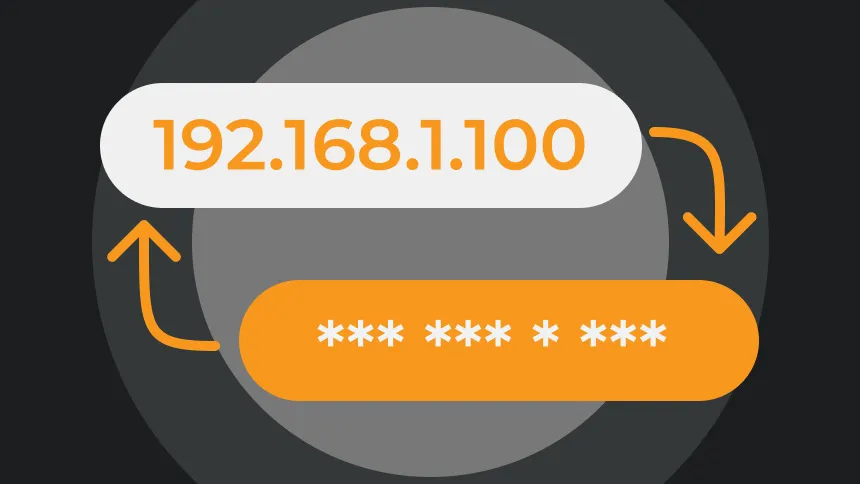
Using a VPN works by changing the IP address. You will get an IP address on the network of the server you are connected to for the VPN. If that server is in another country, some applications, will “think” you are physically there, even thought you may not be.
Most geolocation applications use more than GPS location the correct location using not just your GPS, but also IP address, cellular network components and wi-fi. If the IP address and the location is contradicting some data, the application will often talk to the other data inappropriately or incorrectly and the mistakes can occur.
For example with the Locator application, a VPN can slow down or disrupt data being transmitted or received depending on how the service is set up (assuming that service is not geared and optimized for geolocation protocol).
However, don’t throw away your VPN service providers, actually, VPN’s provide us with a level of privacy protection against Internet Service Providers, they hide your IP address as we use on-line services, encrypting your traffic, and public wi-fi protection.
It is important to find a reliable service so it does not interfere with locations services i.e. VPNLY who has compatibility and stability.
Final Thoughts
The error message “No geolocation data” is not a harmful error and should not be cause for alarm. In the majority of cases, the error presents itself for simple and correctable reasons (geolocation disabled, momentarily no internet connection, airplane mode, and privacy settings restrictions). In some cases, the issue may be attributed to a lack of battery life or a change in network range. All of these are situations that can be quickly checked and fixed on your own.
If you use a VPN, especially constantly or at the system level, it is important to understand that it can also affect the transmission of geodata.A VPN allows you to change your IP address, and reroute your traffic through another region or server. As a result, some services (Locator included) can get confused and misread your location, or not see it at all. This isn’t a bug – that’s just how the technology works.
But this doesn’t mean you should abandon the VPN. If set up correctly, to avoid geolocation conflicts, a VPN can provide you greater benefits than disadvantages – protecting personal data; encrypting traffic, hiding your actual location, and allowing you to remain anonymous in a digital world where anonymity is fleeting, – especially if you use public networks, are overseas, and/or are working with classified or confidential information.
That’s why we recommend you use a VPN which fits to contemporary requirements, such as VPNLY. It works consistently, it does not interfere with iOS geolocation services, and enables you to maintain control and security.
When you use VPNLY, we ensure your privacy is securely protected, and important functionality like “Locator,” continues to work seamlessly.